FOGO Staking Guide: How to Stake FOGO Using Nightly Wallet
What Is Fogo?
Fogo is a high-performance Layer-1 blockchain built for real-time DeFi, trading, and financial applications. It is fully compatible with the Solana Virtual Machine (SVM) and optimized for ultra-low latency, fast finality, and predictable execution. Fogo is designed to support use cases like on-chain order books, perps, auctions, and liquidations that require speed comparable to centralized systems.
The native token of the network is FOGO, which is used for transaction fees, staking, network security, and ecosystem incentives.
How to Get FOGO Tokens
Before staking, you need to acquire FOGO tokens. You can buy FOGO on centralized exchanges such as Binance or OKX, or acquire FOGO on decentralized exchanges.
If your funds are on another chain, you can bridge and swap assets to Fogo using Portal Token Bridge, the canonical Fogo bridge by Wormhole.
Nightly Wallet for FOGO Staking
Nightly Wallet is a secure, non-custodial multichain wallet that support Solana and SVM blockchains. It provides fast transaction signing, native support for FOGO, and seamless connection to dApps like xLabs Staking. In this guide we'll use Nightly Browser Extensions.
How to Stake FOGO with xLabs
Start by opening the official xLabs staking page:
This is the primary interface for native FOGO staking.
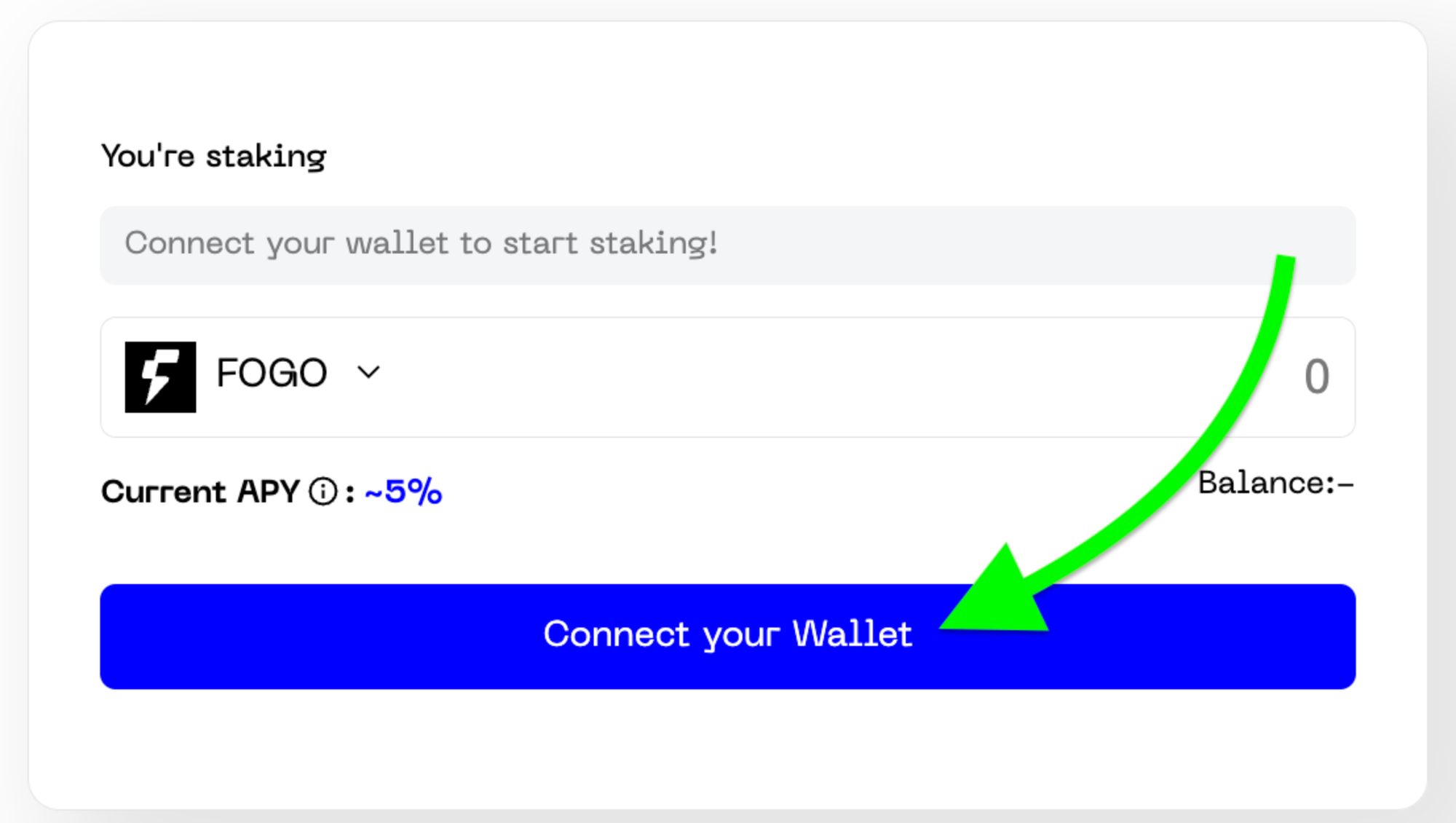
Click “Connect Wallet” and select Nightly, approve the connection request. Once connected, your available FOGO balance will appear on the dashboard.
Enter the amount of FOGO you want to stake. It is recommended to leave a small amount unstaked to cover future transaction fees. Review the staking details shown on the screen.
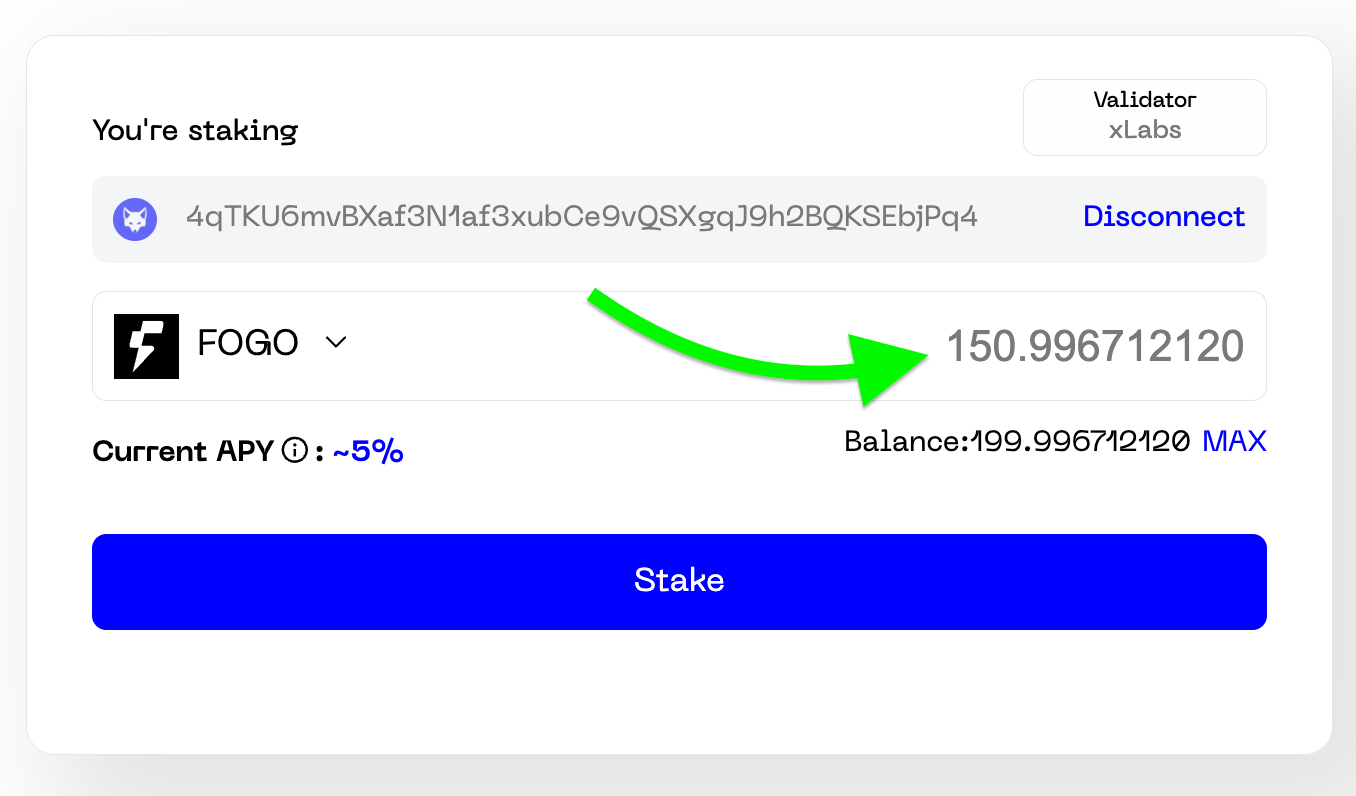
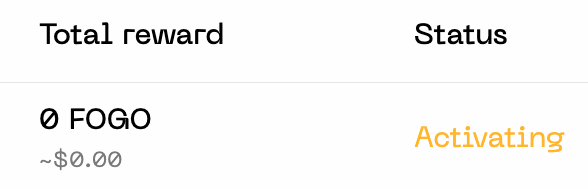
Click “Stake” and confirm the transaction in Nightly Wallet. Once confirmed on-chain, your stake enters the activation phase. After activation (typically within 1–2 hours), it begins earning rewards.
What Happens After You Stake FOGO?
Your FOGO tokens are delegated to xLabs validator and begin earning staking rewards according to current network APY.
FOGO staking rewards accrue and compound automatically by protocol design. Your active stake is visible in the staking interface.
How to Unstake FOGO
To unstake, return to the xLabs staking page and connect your wallet. Select your active stake, click “Unstake,” and confirm the transaction.

Your stake enters the deactivation phase, which typically takes a few minutes.
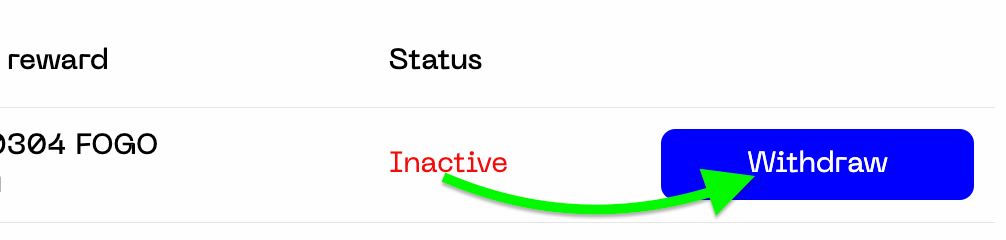
Once deactivation completes, your FOGO is available for withdrawal.
Is FOGO Staking Safe?
Staking FOGO through xLabs is fully non-custodial and supported by industry-grade infrastructure built for reliability, performance, and decentralization. xLabs never takes custody of your funds. You retain sole ownership of your private keys at all times.
Our validator stack is engineered with resilient deployment architecture, real-time monitoring, and robust operational standards to ensure consistent performance you can trust.